
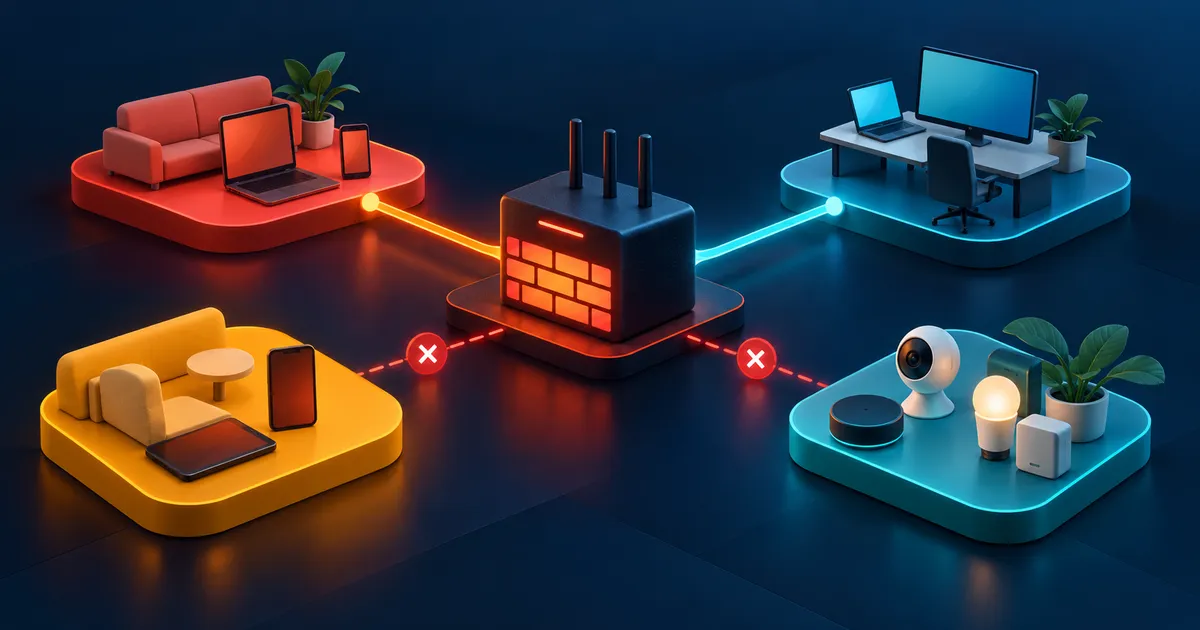
How to verify a segmented home network
From a camera-zone test device, confirm internet behavior and attempt connections to trusted services. From the trusted phone, open the recorder. Review logs for unexpected destinations and retest both address families after firmware changes.
Example: isolating cameras while keeping local viewing
Home cameras need to send video to a local recorder and receive time and update services. They do not need to initiate connections to laptops, phones, or router administration. A trusted phone still needs to open the recorder interface.
Keep only boundaries that enforce the matrix
Place cameras and the recorder in a restricted device zone if the gateway can express the needed rules. Allow camera-to-recorder traffic and narrowly defined infrastructure services. Allow the trusted phone to initiate management to the recorder, while blocking new sessions from the camera zone to trusted devices.
Design from communication needs
Build the access matrix from tasks, not device brands. A television may need the internet and a specific casting path but not access to laptops or router administration. Writing the required source, destination, and service exposes where a broad guest-network rule is sufficient and where a narrow exception is justified.
| Source zone | Destination | Typical policy | Reason |
|---|---|---|---|
| Guest | Trusted devices | Block | Guests usually need internet, not local administration |
| Smart devices | Trusted devices | Block new connections | Reduces lateral movement |
| Trusted phone | Selected smart hub | Allow required service | Keeps control functional without broad access |
| Work device | Personal devices | Block where practical | Separates employer and household risk |
Test isolation from the less-trusted side
Connect a device to the guest or smart network and try to reach a known local service. Confirm the denial in gateway logs when available. Then test the intended exception from the trusted side.
Test from a real device in each less-trusted zone because some routers isolate wireless guests but not wired clients or IPv6 traffic. Try the intended internet path, a known blocked local service, and every approved exception. Save the results so a firmware update can be checked against the same cases.
- Check IPv4 and IPv6 paths.
- Check wired and wireless clients in the same zone.
- Retest after router firmware or topology changes.
Keep discovery protocols in scope
Casting, printing, and home-automation discovery often rely on multicast or broadcast behavior that does not cross segments automatically. Use a specific relay or gateway feature only for the protocols you need, and verify that it does not restore broad access.
Discovery and control are separate flows. A phone may discover a speaker through multicast but control it over a different unicast port. Capture the minimum working behavior before enabling a relay, then confirm that unrelated devices remain unreachable. Avoid restoring full cross-zone access just to make discovery convenient.
Test segmentation across IPv4 and IPv6
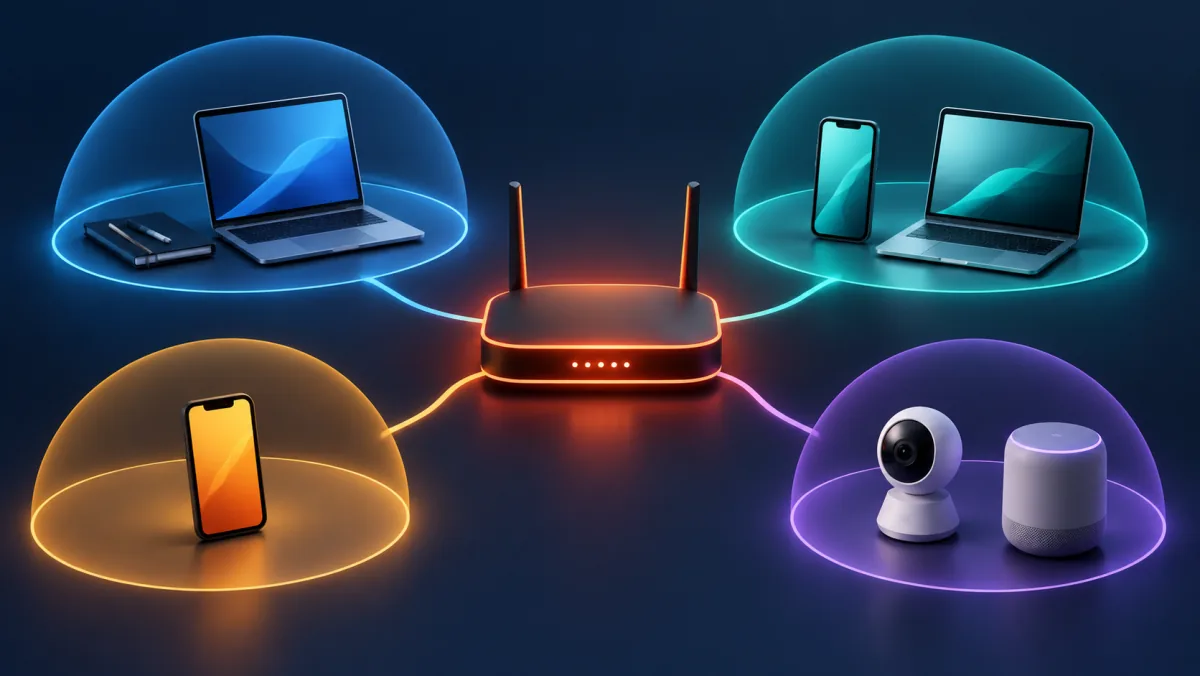
A boundary that blocks IPv4 but leaves IPv6 unmanaged is not a verified boundary. Inventory every active address family, router advertisement, DNS answer, and local discovery mechanism used by the devices.
| Test | Expected from guest or IoT | Evidence |
|---|---|---|
| Trusted IPv4 service | Blocked unless explicitly required | Client result and gateway action |
| Trusted IPv6 service | Same intended policy as IPv4 | Global or local IPv6 address and firewall action |
| Router administration | Blocked | HTTP, HTTPS, and app management result |
| Local discovery | Limited to documented cross-zone service | mDNS or discovery relay configuration and test |
| Internet and DNS | Allowed through the approved resolver and route | Resolved address, route, and egress result |
Home network segmentation checklist
- Inventory devices and assign trust based on data and update risk.
- Write an access matrix before configuring network names or VLANs.
- Include infrastructure services such as DHCP, DNS, time, and updates.
- Test initiated traffic in both directions and over IPv4 and IPv6.
- Review logs and exceptions after device or gateway updates.
Segmentation mistakes and bypass paths
- Creating many zones before documenting communication needs. Complexity can hide broad exceptions and make failures harder to diagnose.
- Blocking IPv4 while unintentionally allowing the same path over IPv6.
- Adding an unrestricted multicast relay to restore discovery, which can undermine the intended boundary.
Network segmentation questions
Is a guest network the same as a VLAN?
A guest network is a user-facing function that may use VLANs or another isolation method internally. Verify the enforced access behavior rather than assuming the implementation.
Why do printers and casting break across segments?
Discovery commonly uses local multicast or broadcast traffic. Restore only the required discovery and service paths, rather than merging the networks.
How many home network zones are reasonable?
Use the fewest zones that express meaningful trust differences. Trusted, guest, and restricted smart-device zones are a manageable starting point for many homes.