
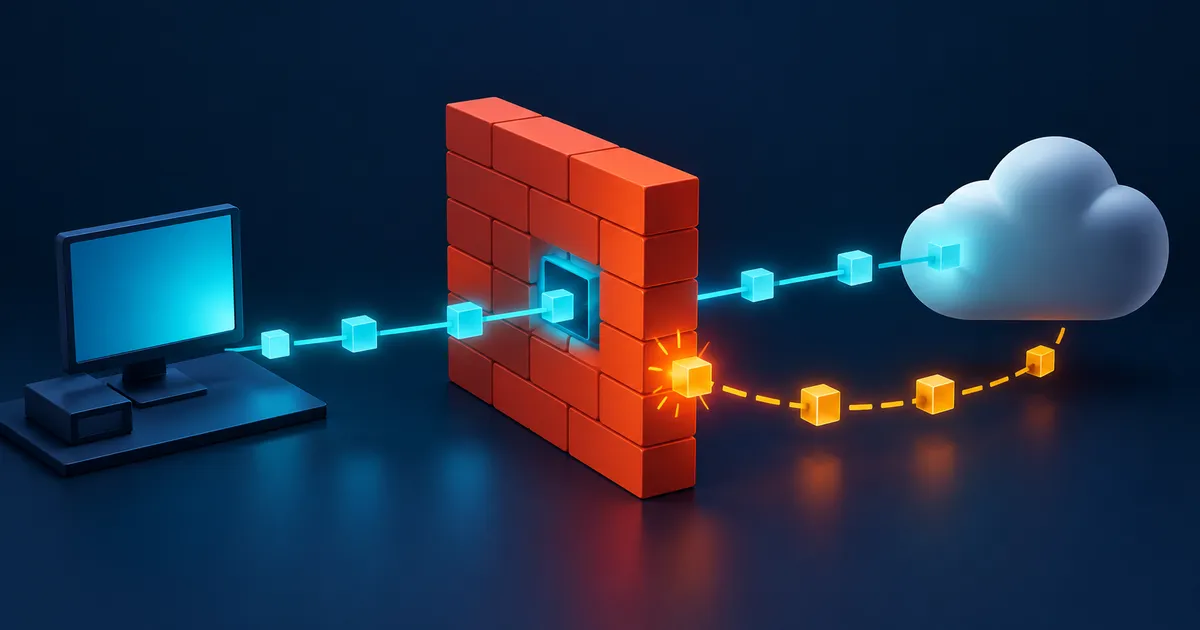
How to trace a failed firewall connection
Keep the working trusted-network test as a control. From the work network, record the printer name, resolved IPv4 and IPv6 addresses, route, service port, and time. Compare both paths at the gateway, then inspect the inter-zone rule and any printer access control.
Example: a printer works from one network but not another
A printer accepts jobs from the trusted network, but a work laptop on a separate zone cannot print. The user reports that the firewall is blocking printing, although no matching deny has been found.
Prove the repaired path and nearby denial
The final test should show the approved printing service working from the work zone, an unrelated service remaining blocked, and matching gateway evidence for both outcomes. Remove any broad temporary rule and confirm that the printer is still unavailable from the guest network.
Connection evidence worksheet
Use one row for the failing connection and one for a working control. The comparison prevents a broad policy change based on a vague timeout.
| Evidence | Failing connection | Working control |
|---|---|---|
| Client and exact error | Record device, application, and full error | Use the same client or document the difference |
| Name and addresses | Record DNS answer, IPv4, and IPv6 | Confirm the expected destination |
| Service state | Confirm listener address, protocol, and port | Prove the service accepts an approved source |
| Path and translation | Record route, gateway, VPN, proxy, and NAT | Identify where the paths diverge |
| Policy decision | Record device, rule ID, state, action, and time | Record the matching allow evidence |
| Return path | Confirm the response leaves and reaches the client | Compare route and state |
An empty log is evidence only that the examined device did not record a matching event. It is not proof that the connection reached that device or that another control did not act.
Classify the symptom before changing a rule
Start with the narrowest statement of failure: who cannot reach what, using which protocol, from which network, and since when. Also record a nearby working case. The contrast often reveals whether the variable is user identity, address family, network profile, destination, port, or application version.
| Symptom | First question | Useful evidence |
|---|---|---|
| Expected traffic is blocked | Is the service listening on the expected address and port? | Listener, client error, route, and firewall action |
| Traffic is unexpectedly allowed | Which rule, state entry, or alternate path permitted it? | Matched rule, session state, NAT, and path |
| Connection is intermittent | What changes between success and failure? | Timestamps, DNS answers, path, resource use, and logs |
| Connection is slow | Is setup slow, or does an established session lose packets? | Handshake timing, retransmissions, MTU, inspection load, and interface errors |
Follow the connection from application to destination
Start at the application because a correct firewall rule cannot help a service that is stopped or listening on a different address. Resolve the name, record every returned IPv4 and IPv6 address, and confirm the route from the actual source network.
At each firewall or gateway, identify the ingress zone, post-translation destination, first applicable rule, connection state, and final action. A connection may cross a host firewall, router, cloud security group, VPN policy, and application proxy, so a log from one device is not proof of the whole path.
At each hop, ask a binary question that can be observed. Did name resolution return the intended address? Did the client send a connection attempt? Did the gateway route it? Did the firewall allow it? Did the service listen and reply? Stop at the first failed observation instead of changing later layers.
- Record the exact error, time, timezone, source, destination, protocol, and service.
- Verify the service locally or from a known-allowed source.
- Check name resolution, route, and network address translation before editing policy.
- Find the rule identifier and log action for the same connection tuple and time.
Use a controlled test to isolate the failed layer
Reproduce one connection while collecting only the evidence needed for that path. If a temporary rule or diagnostic log is required, limit its source, destination, service, and duration. Do not disable the firewall as a routine test because that changes too many variables and can create exposure.
Change one variable for a controlled test and set a rollback time. A temporary rule should be narrower than the suspected cause whenever possible. If opening every port makes the application work, the test proves only that one of many controls mattered and creates no safe production rule.
| Observation | What it supports | What it does not prove |
|---|---|---|
| No listener at the destination | The application is not accepting that service | Whether the firewall rule is correct |
| Client packet leaves but never reaches the firewall | A source, route, or upstream problem | Which downstream control would act |
| Firewall records an explicit deny | That control rejected the observed connection | That no earlier problem also exists |
| Firewall records an allow but the server sees nothing | The connection passed that policy point | That NAT, routing, another firewall, or the host allowed it |
| Server receives the request and replies | The forward path and service are working | That the return path reaches the client |
Restore a known state and verify both outcomes
After the cause is identified, make the narrowest approved change. Repeat the expected connection, test a nearby connection that should remain blocked, review the matching log entries, and remove temporary rules or verbose logging. Record the cause, evidence, change, owner, and review date so the same symptom is faster to diagnose next time.
The final verification should reproduce the original user workflow, not only a low-level connection test. Confirm the required action works, a nearby prohibited action remains blocked, logs are back to their normal level, and every temporary exception has been removed or assigned an owner and expiry.
Firewall troubleshooting checklist
- Record one exact failing connection and the time it occurs.
- Confirm the destination service is listening and works from an approved source.
- Resolve the name and trace IPv4, IPv6, route, and address translation.
- Match the connection to the actual rule, state entry, and log action.
- Change one variable, keep rollback access, and limit temporary diagnostics.
- Verify the intended allow case and a nearby deny case after the fix.
Firewall troubleshooting mistakes
- Adding a broad allow rule before proving that the destination service is listening and reachable by an approved source.
- Treating a timeout as a firewall verdict. Packet loss, a wrong address, routing, a stopped service, and silent filtering can look the same to the client.
- Looking at only one address family. A name may return both IPv4 and IPv6 addresses that follow different routes and policies.
- Disabling the firewall to test. That changes many controls at once and can expose unrelated services.
Firewall troubleshooting questions
How can I tell whether a firewall blocked a connection?
Match the exact source, destination, protocol, service, and time to an explicit deny or drop at the relevant firewall. A client timeout by itself is not enough because service, DNS, route, NAT, and upstream failures can produce the same symptom.
Should I turn the firewall off to troubleshoot?
No. Disabling the firewall changes every rule at once and may expose unrelated services. Confirm the listener and path, inspect logs, and use a narrowly scoped temporary rule only when an authorized test requires it.
Why does a firewall log show allow when the connection still fails?
The log proves only that the observed traffic passed that policy point. The return route, another firewall, host policy, address translation, application state, or encrypted inspection may still fail.
What should I save after fixing the problem?
Record the symptom, connection tuple, timestamps, relevant rules and logs, root cause, approved change, rollback, verification results, owner, and review date.