
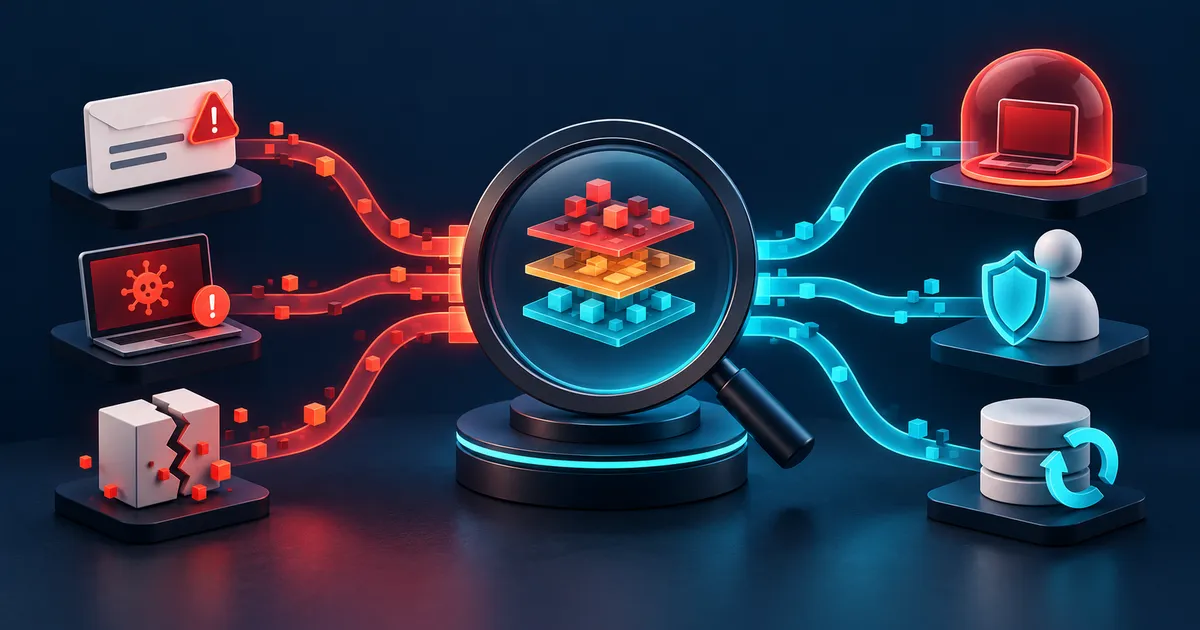
Choose the response by sender type
Treat sender identity and message purpose as separate questions. A recognized brand can be impersonated, while a legitimate newsletter may come from a specialized delivery domain. Open the known account directly to manage real subscriptions, and use the provider's report function when the relationship or destination cannot be trusted.
| Message type | Best action | Why |
|---|---|---|
| Recognized newsletter | Use the service's account preferences or trusted unsubscribe | Stops legitimate mail without training the spam filter |
| Unknown bulk mail | Report as spam | Avoids confirming engagement to an abusive sender |
| Impersonation or payment request | Preserve, report, and verify separately | May require fraud or workplace response |
| Repeated SMS spam | Report and block using the carrier or device control | Creates a platform signal without replying |
Limit future exposure
Filters improve when users report accurately, but aggressive rules can hide legitimate mail. Review spam folders for expected messages and avoid allowlisting entire untrusted domains.
Aliases help identify where an address was exposed and let one role be retired without changing every account. They do not replace account security. Protect the mailbox itself with a unique password, strong MFA, reviewed forwarding rules, and recovery details that an attacker cannot easily redirect.
- Use aliases or separate addresses for different roles when appropriate.
- Do not publish a personal address in machine-readable form without a need.
- Review account breaches and rotate reused credentials.
- For domains, configure authenticated mail according to provider guidance.
Escalate threats and fraud
Keep the original message, headers, transaction details, and timestamps when reporting a credible threat or financial fraud. Contact the relevant provider, employer, bank, or local authority using independently verified contact information.
Preserve the original message before blocking when it contains payment instructions, threats, impersonation, or a changed business request. Headers and timestamps may help a provider or workplace responder trace delivery. Do not investigate by calling a number or opening a document supplied by the suspicious sender.
How to handle an unwanted message
Use account preferences or a trusted unsubscribe link for the recognized store. Report the unknown bulk promotion as spam without replying. Treat the delivery impersonation as phishing: verify through the real carrier site and report the fraudulent message.
Example: deciding whether to unsubscribe or report
An inbox contains a sale email from a store previously used, an unknown investment promotion, and a message impersonating a delivery company. All are unwanted, but interacting with each one carries a different risk.
Check whether the unwanted path is closed
Check whether legitimate mail decreases without hiding expected receipts or account alerts. Review forwarding rules and breached-account notices if spam volume changes suddenly, and keep evidence when a message includes threats or financial fraud.
Spam filtering mistakes
- Clicking unsubscribe in an obviously abusive message, which can confirm that the address is monitored or lead to another unsafe page.
- Creating broad keyword filters that hide invoices, security alerts, or messages needed for evidence.
- Replying to demand removal from an unknown sender. Engagement can validate the address and begin a social-engineering exchange.
Spam and scam response checklist
- Classify the sender as recognized, unknown bulk, or impersonation.
- Use platform report controls so the provider receives a useful signal.
- Verify account or delivery claims outside the message.
- Preserve headers and transaction details for threats or fraud.
- Review aliases, public addresses, and account security when exposure grows.
Spam and scam questions
Why does blocking one sender not stop spam?
Senders rotate addresses and domains, and visible sender fields can be forged. Provider-level filtering uses broader reputation and authentication evidence.
Is every marketing email spam?
No. A recognized organization may send mail based on a prior relationship or consent. Use its trusted preference center when the sender and destination are legitimate.
Should I open a message to report it?
Most mail applications can report from the message list or safely display content without remote images. Follow the provider's reporting method and avoid attachments and links.