
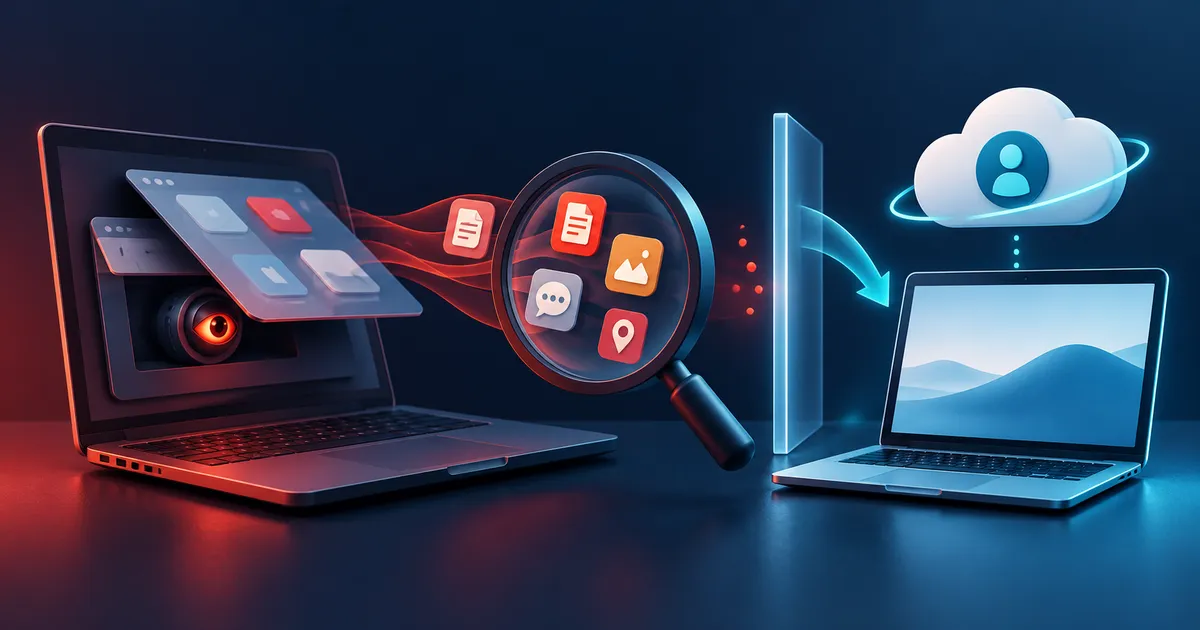
Spyware response checklist
- Distinguish device symptoms from account and permission evidence.
- Use a safe device for sensitive research and account recovery.
- Preserve screenshots, session records, app details, and relevant dates.
- Consider personal safety before removing suspected monitoring.
- Rebuild carefully and monitor restored applications and accounts.
Platform-specific investigation starting points
Use the platform's supported controls before installing another cleanup utility. Preserve safety-sensitive evidence first and use a separate trusted device when account compromise or coercive monitoring is possible.
| Platform | Start with | Escalate when |
|---|---|---|
| Windows | Security alerts, installed apps, startup items, account sessions, browser extensions | Unknown persistence, protected settings changed, or integrity remains uncertain |
| macOS | Privacy permissions, Login Items, profiles, extensions, sharing, and Apple Account devices | Unknown profile, system extension, or repeated sensor access |
| Android | Play Protect, app permissions, accessibility, device admin, VPN, and account devices | Unknown administrator or accessibility control cannot be removed safely |
| iPhone and iPad | Safety Check, profiles, VPN, app permissions, Apple Account devices, and sharing | Unknown management profile, account takeover, or personal safety concern |
Distinguish weak signals from evidence
Build a timeline before removing anything. Record when symptoms began, which accounts changed, what new apps or profiles appeared, and whether another person had physical access. A timeline can connect several weak observations and helps avoid treating normal battery, update, or synchronization behavior as proof of surveillance.
| Observation | Other explanations | Stronger evidence |
|---|---|---|
| Battery drains quickly | Age, radio use, background sync | Unknown high-usage app with sensitive permissions |
| Account alerts | Old sessions or travel | Sign-in from an unrecognized device plus changed recovery details |
| Microphone indicator | Legitimate call or assistant | Unexpected process repeatedly accessing the sensor |
| Network traffic | Updates and cloud backup | Known process contacting an unexplained destination |
Use a staged recovery
Restoring every old application and setting immediately can restore the original problem. Reinstall in deliberate groups and monitor behavior.
Recovery has two tracks: the device and the accounts it can access. Secure primary email and recovery methods from a clean device, then decide whether the affected device can be inspected, reset, or replaced. Restore data selectively and reinstall applications from verified sources rather than cloning every old setting immediately.
- Preserve alerts, app names, timestamps, and account-session details.
- Disconnect a clearly compromised device when safe to do so.
- From a clean device, secure email and account recovery first.
- Update or reset the affected device only after evidence needs are considered.
Treat personal safety as a separate risk
Removing monitoring software can alert the person who installed it. When coercive control or stalking is possible, prioritize a safety plan and a trusted specialist over a routine cleanup checklist.
When another person may retaliate, technical cleanup can increase danger by revealing that monitoring was discovered. Use a separate safe device, avoid changing the suspected device without a plan, and seek appropriate local specialist support. Personal safety decisions take priority over preserving an ideal forensic record.
How to investigate possible spyware
Use a separate trusted device to secure the primary email account, review recovery methods, and preserve session details. If personal safety is involved, seek specialist support before removing software or changing the monitored device, because visible changes may alert another person.
Example: an account knows more than the device should reveal
A person notices unrecognized account sessions, repeated location references, and an unfamiliar application with broad accessibility permissions. Battery drain alone would be weak evidence, but the combined account and permission findings justify a careful response.
Rebuild trust without destroying needed evidence
After evidence and safety needs are addressed, review device administration, accessibility, VPN, location, and notification permissions. Update or rebuild from trusted media when system integrity is uncertain, then restore selected data rather than unknown applications.
Spyware investigation mistakes
- Treating a single performance symptom as proof of surveillance. Battery, heat, and data use have many ordinary causes.
- Resetting the suspected device before preserving account sessions, alerts, application names, and timestamps needed for investigation.
- Changing everything from the possibly monitored device, which may expose new credentials or warn the person responsible.
Spyware questions
Can antivirus find every spyware application?
No. Detection depends on platform access, signatures, behavior, configuration, and whether monitoring uses legitimate account or device-management features.
Is a factory reset enough?
It can remove many device-level threats, but compromised accounts, cloud backups, shared access, carrier settings, and restored applications can preserve or reintroduce risk.
Why is personal-safety advice different?
Removing surveillance can change another person's behavior or escalate danger. A safety plan and specialist guidance may matter more than immediate technical cleanup.