
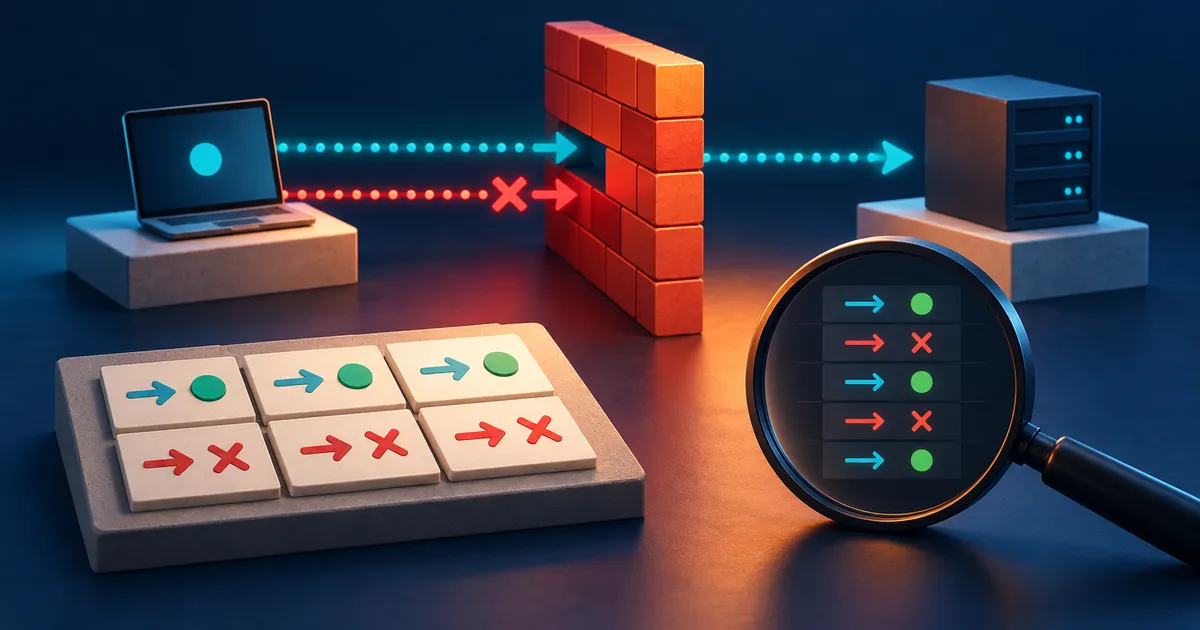
Firewall test worksheet
- Obtain authorization for every source and target system.
- Record the original configuration and rollback method.
- Define an allowed result and a denied result before running a tool.
- Collect client, service, firewall, and routing evidence where appropriate.
- Remove test access and repeat the denied case at the end.
Build the test matrix
Give every test case a unique identifier and record the initial policy state. The matrix should say where the test begins, which boundary it crosses, what should happen, and which log will confirm the decision. This prevents a successful application response from being mistaken for proof that the intended firewall made the decision.
| Source | Destination | Service | Expected result |
|---|---|---|---|
| Guest Wi-Fi | Trusted laptop | Any new inbound session | Blocked |
| Trusted laptop | Printer | Document printing service | Allowed |
| Internet test host | Temporary lab service | Chosen test port | Allowed only during test |
| Internet test host | Other inbound ports | Unsolicited traffic | Blocked |
Collect evidence at both ends
A timeout alone is ambiguous. The service might be down, routing might be wrong, or an upstream provider may filter the traffic. Pair the client result with service status, firewall logs, and packet capture when appropriate.
Correlate client time, firewall time, and server time before reading logs. A client timeout, a firewall denial, and a server request at the same moment tell a much stronger story together than any one event. When clocks differ, record the offset so evidence is not matched to the wrong attempt.
- Record exact time and timezone.
- Record the source and destination addresses as seen by the firewall.
- Remove temporary rules and confirm the denied case again.
Keep external scanning authorized
Scan only systems you own or have explicit permission to test. Rate-limit tests, avoid destructive payloads, and coordinate with hosting or security teams when policy requires it.
External tests must stay within systems and addresses you are authorized to assess. Fix the target, port set, rate, and time window before starting. A public scanner can observe selected reachability from one location, but it cannot prove that every route, protocol, or source network receives the same policy.
Copyable firewall test record
Complete this record before opening a scanner or firewall console. A result is useful only when the source, destination, expected behavior, and evidence are defined in advance.
| Field | Record before testing |
|---|---|
| Authorization | Owner, approver, systems, date, and permitted tools |
| Traffic case | Source, destination, address family, protocol, port, and direction |
| Expected result | One expected allow case and one nearby expected deny case |
| Evidence | Client result, listener state, firewall action, route, and exact timestamp |
| Rollback | Original configuration, restoration command or backup, and cleanup check |
Print this section or copy the fields into the approved change record. Remove listeners and temporary rules, then repeat the deny case after cleanup.
How to run a controlled firewall test
Run the tests over IPv4 and IPv6, record time and addresses, and review gateway logs. Repeat after a firmware update. A timeout is more persuasive when the destination service is confirmed working from an allowed source at the same time.
Example: verifying guest-network isolation
A router offers a guest network and an isolation switch. The interface says guests cannot reach the local network, but the household needs evidence that the setting applies to both wireless and wired trusted devices.
Approve or reject the tested change
Write a small matrix before testing. A guest device should reach the internet but should not open a new connection to a known service on a trusted laptop, printer, or router administration address. The trusted device may still be allowed to initiate selected communication if the design requires it.
Firewall testing mistakes and ambiguous results
- Scanning an address without confirming that a service is listening. A closed service and a blocked service can produce similar client symptoms.
- Testing from the wrong side of the boundary. An internet scan cannot validate policy between two internal zones.
- Leaving a temporary listener or broad test rule enabled after the maintenance window.
Firewall testing questions
Does an online port scan prove my firewall is secure?
No. It observes selected public-facing paths from one external location. It does not verify outbound policy, local segmentation, application rules, IPv6 coverage, or recovery.
Why does a port appear filtered rather than closed?
The scanner did not receive the response it expected. Filtering is one explanation, but routing, rate limits, service state, and upstream controls can also affect the result.
Is it legal to scan any public address?
Authorization and local rules matter. Test only systems you own or have explicit permission to assess, and follow provider policies.